新车Santa Fe
Sunday, 4 October 2015
Friday, 2 October 2015
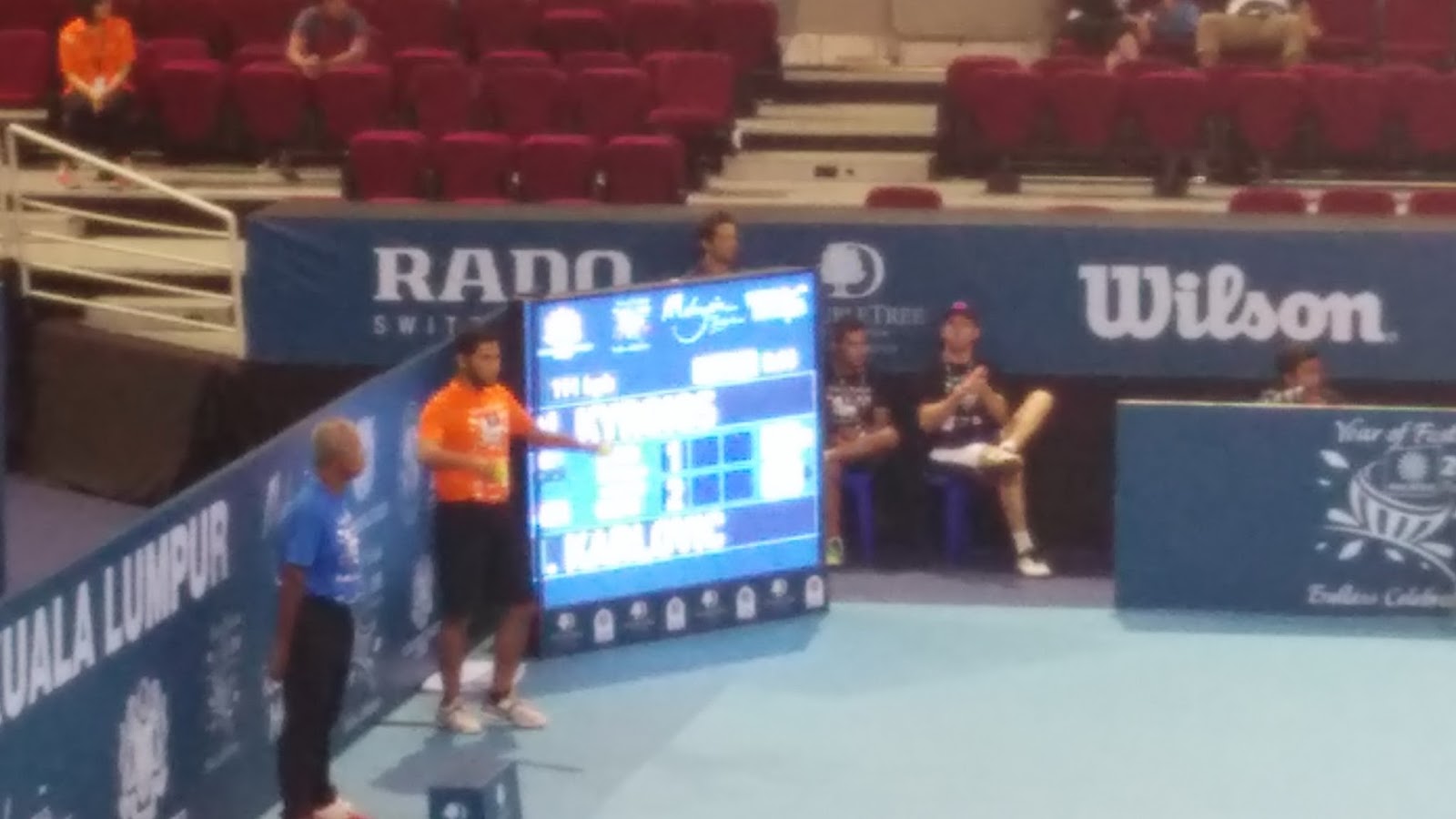
Bukit Jalil 网球
送的门票。以为是壁球,却原来是是网球。
1点半到达武吉加里尔停车场,门票RM2/=
停车场
Stadium Putra外观
先把ticket voucher换成门票。
对阵选手
体育场内里
有个餐厅
很多学生,应该是免费门票免费观赏
显示板显示球速
最后战绩
Labels:
地方景点
Monday, 28 September 2015
U mobile网速
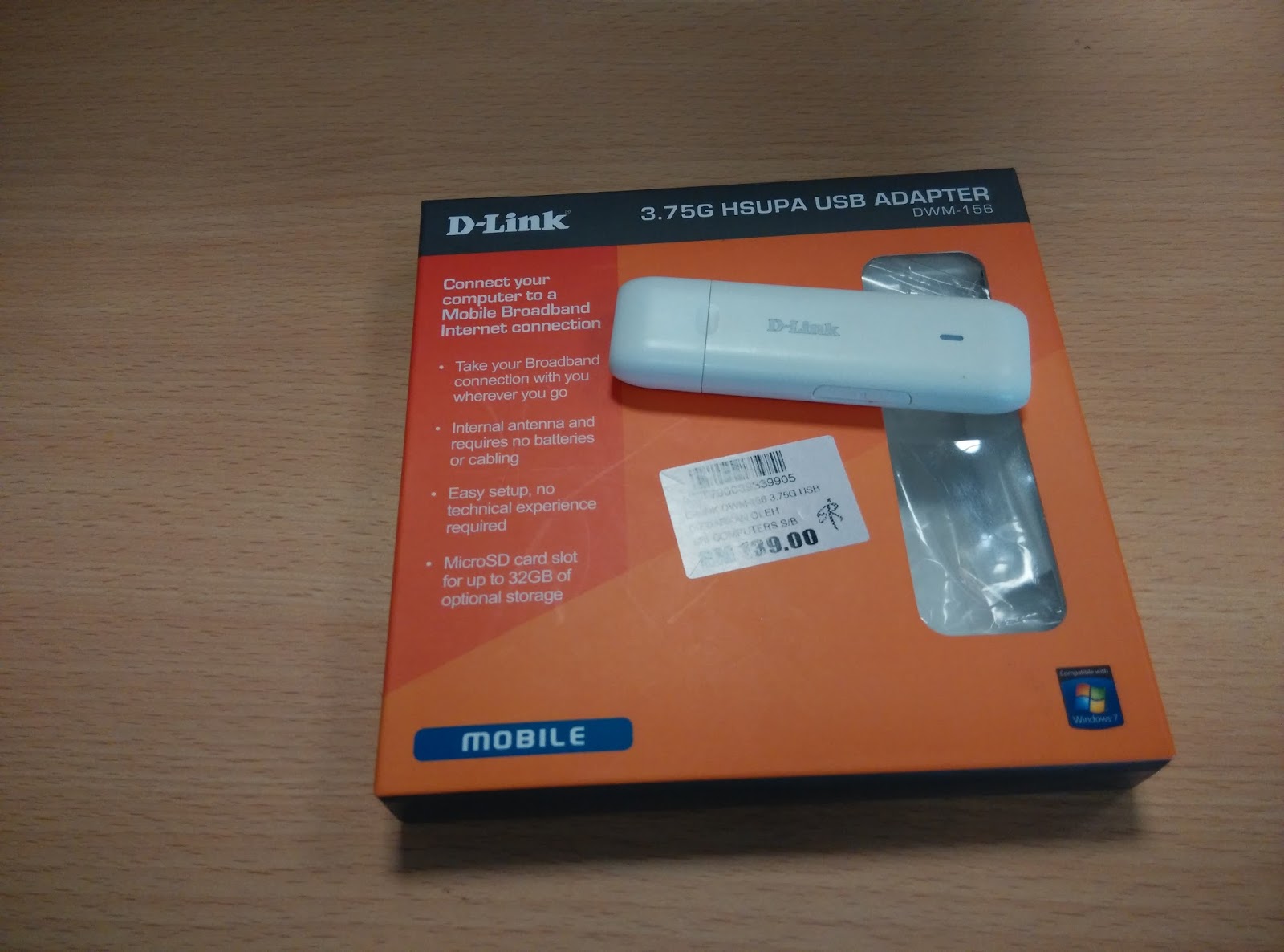
把从前用的3g modem拿来跑U mobile的网络。
冷藏了好一段时间,重见天日。
虽然网上的结论u mobile网速很快,但实际的测试没那么神速。
冷藏了好一段时间,重见天日。
虽然网上的结论u mobile网速很快,但实际的测试没那么神速。
当然这3g modem只有HSUPA,理论上只能到达7.2/5.76mbps。加上测试地区也许不在LTE覆盖范围,网速测试不尽人意。
Sunday, 27 September 2015
扫描打印机
用了多年的扫描打印机与Windows 10不兼容,没办法操作。虽然软件卸载重装,仍然不能正常发挥。
去了刘蝶广场买了 Brother DCP T700W扫描打印机, 机价RM589,加上gst共RM624大洋。拥有automatic document feeder,及网络连接功能。可以补充的墨水是决定买的原因。Epson L550有着相同的功能,加上收发传真。一来没有货源,二来机价RM760。网上查询本地没有这型号,欧洲才有,估计是水货。网上本地最靠近的型号为 L565。
内里东东,打印扫描机,说明书,CD,电源线,USB连接线,黑墨水2个,红黄蓝彩色墨水各一个。
准备就绪。
功成身退,劳苦功高。致敬。
Brother与Canon的比较表
| Print resolution | Scan resolution | Scan interpolated resolution |
ADF sheet
|
|
|---|---|---|---|---|
| Brother DCP T700W |
1200x6000
|
1200x2400
|
19200x19200
|
20
|
Canon MX377
|
4800x1200
|
1200x2400
|
19200x19200
|
30
|
Saturday, 19 September 2015
Create a dynamic date stamp in Adobe Acrobat with Windows 10
There are 3 steps involved. Here describes the steps to create a dynamic date stamp with transparent background in Adobe Acrobat stamps and in Windows 10.
1. Create a blank word doc
Open a word document. Change the page setup.
Select portrait
Choose the following paper size
Save the word document on the desktop.
2. Create a custom blank stamp
Open any PDF file, select comment/stamp icon/custom stamps/create custom stamp
Click browse, change the file type from Adobe PDF Files to Microsoft Office Word
add the following sentence:
event.value = (new Date()).toString();
AFDate_FormatEx("dd mmm yyyy");
and ok, save and close the file.
By now the dynamic date stamp is available in the stamp icon, in the directory chosen. However any changes to manage/edit the stamp name would nullify the dynamic properties of the stamp. To prevent this from occurs, copy the file created just now and paste it to the following directory.
As the file name would be irregular, rename it to an easily identified file name. By now, the new stamp would be available within the stamp icon but is not possible to manage or edit.
Th date stamp can be overlapped with the original text without covering it.
- Create a blank word doc
- Create a custom blank stamp
- Add data on blank stamp
1. Create a blank word doc
Open a word document. Change the page setup.
Select portrait
Choose the following paper size
Save the word document on the desktop.
2. Create a custom blank stamp
Open any PDF file, select comment/stamp icon/custom stamps/create custom stamp
Click browse, change the file type from Adobe PDF Files to Microsoft Office Word
Select the word doc created before. Click Ok. Named the category and name.
3.Add data on blank stamp
The stamp file created could be located in the following directory
Open the file, click Tools/Edit and yes. go to the blank file, Add New Field/Text Field.
Fill in the Name, select tab Calculate, select Custom calculation script:/edit
event.value = (new Date()).toString();
AFDate_FormatEx("dd mmm yyyy");
and ok, save and close the file.
By now the dynamic date stamp is available in the stamp icon, in the directory chosen. However any changes to manage/edit the stamp name would nullify the dynamic properties of the stamp. To prevent this from occurs, copy the file created just now and paste it to the following directory.
As the file name would be irregular, rename it to an easily identified file name. By now, the new stamp would be available within the stamp icon but is not possible to manage or edit.
Th date stamp can be overlapped with the original text without covering it.
Subscribe to:
Posts (Atom)